
2.3 KiB
2.3 KiB
Okay the syntax for these files might take some time to get used to. But here is a quick summary (message me in case anything doesn't make sense).
Headings / outlines are like: * H1, ** H2, *** H3
So you can create a new header like:
 *** Example
// This is at level three (3 asterisks)- Emphasis:
*bold*/italic/_underline_+strike+~code~=verbatim= - kboxes:
- [ ] todo,- [X] done,- [-] partial - TODO workflow:
* TODO Write post→ DONE; define states:#+TODO: TODO DOING | DONE - Timestamps: active
<2025-11-02 Sun 14:00>; inactive[2025-11-02] - Links:
[[https://example.com][desc]]
For a file tag, you can create a new file under the folder lima, make sure it has the .org extension. Then you simply can link it:
[[file:file_name.org][Alias]]It will look like this:
This should be a quick start (once you get used to it, I'll update it with macros :))
ADD AS MANY FILES AS YOU WANT (just don't forget to link them!)
New controls
- I've changed your folder view on the file browser. Now you should see something like this:
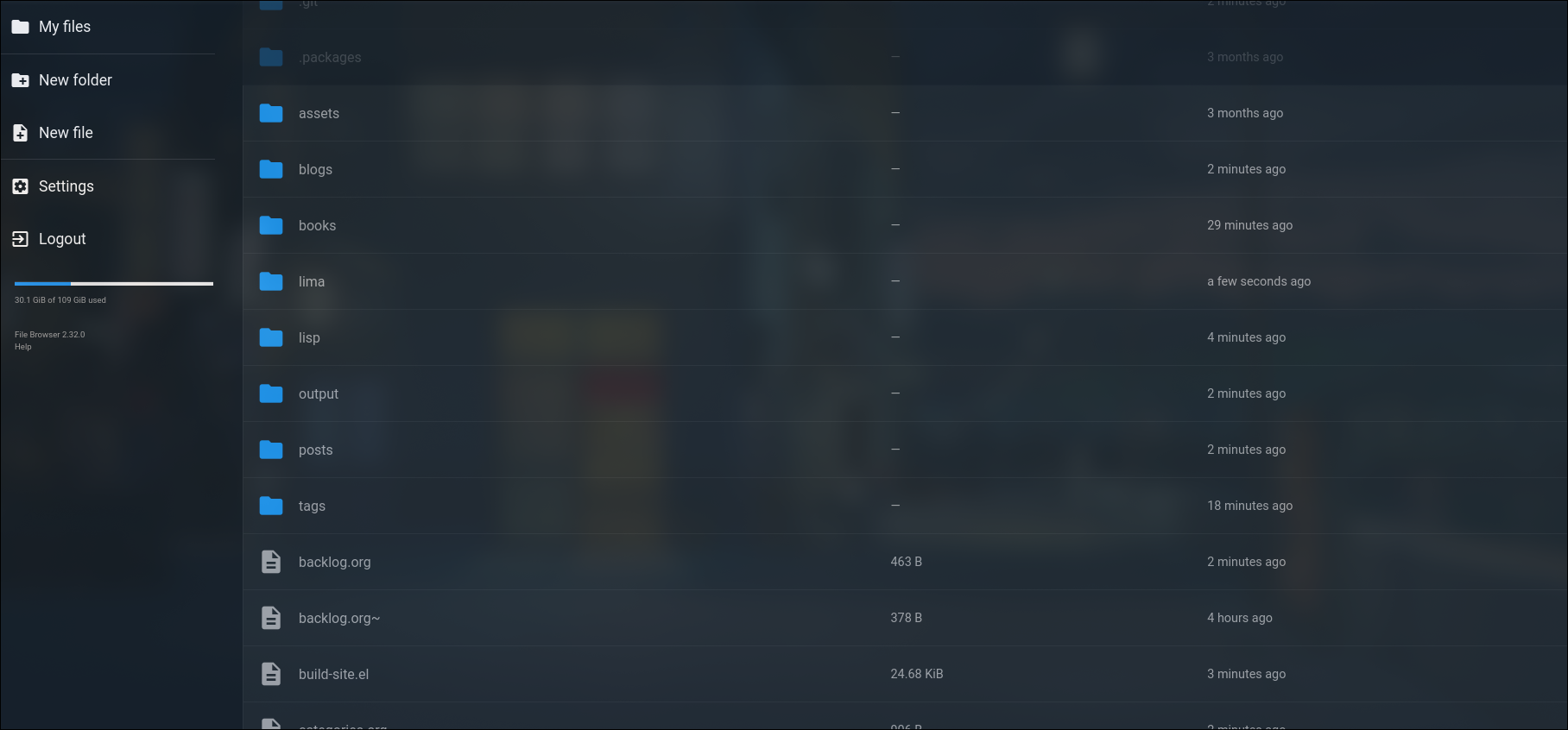
- This is the entire directory for the website (shock). The folder that you used before was
lima, but now you can see all the other folders and files. If you make changes to any of them, the website doesn't update (due to scripting limitations). But if you edit anything inside thelimafolder, it will update automatically as it was doing before. - If you want to add any images/drawings, go to the assets folder:
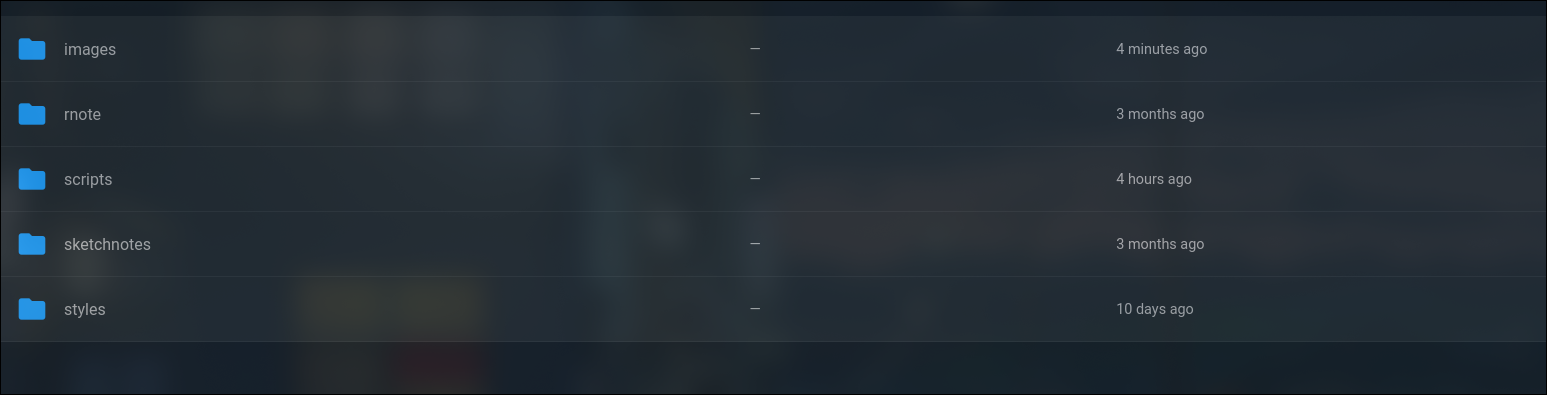
- Here you can add images into the
imagesfolder, and any drawings in thesketchnotesfolder. I would advise that you create a new folder inside the images/sketchnotes folder to group your assets that you want to include (solely so it doesn't look cluttered). For example: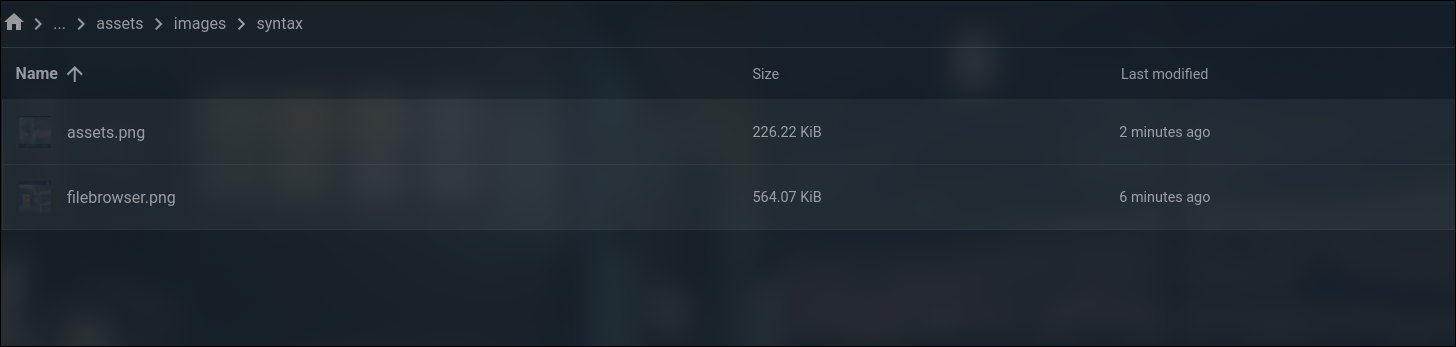
-
In order to actually use the asset in your file, you want to link the image or sketchnote using the following syntax:
    [[../assets/images/file_name.png]]

    [[../assets/sketchnotes/file_name.svg]]


